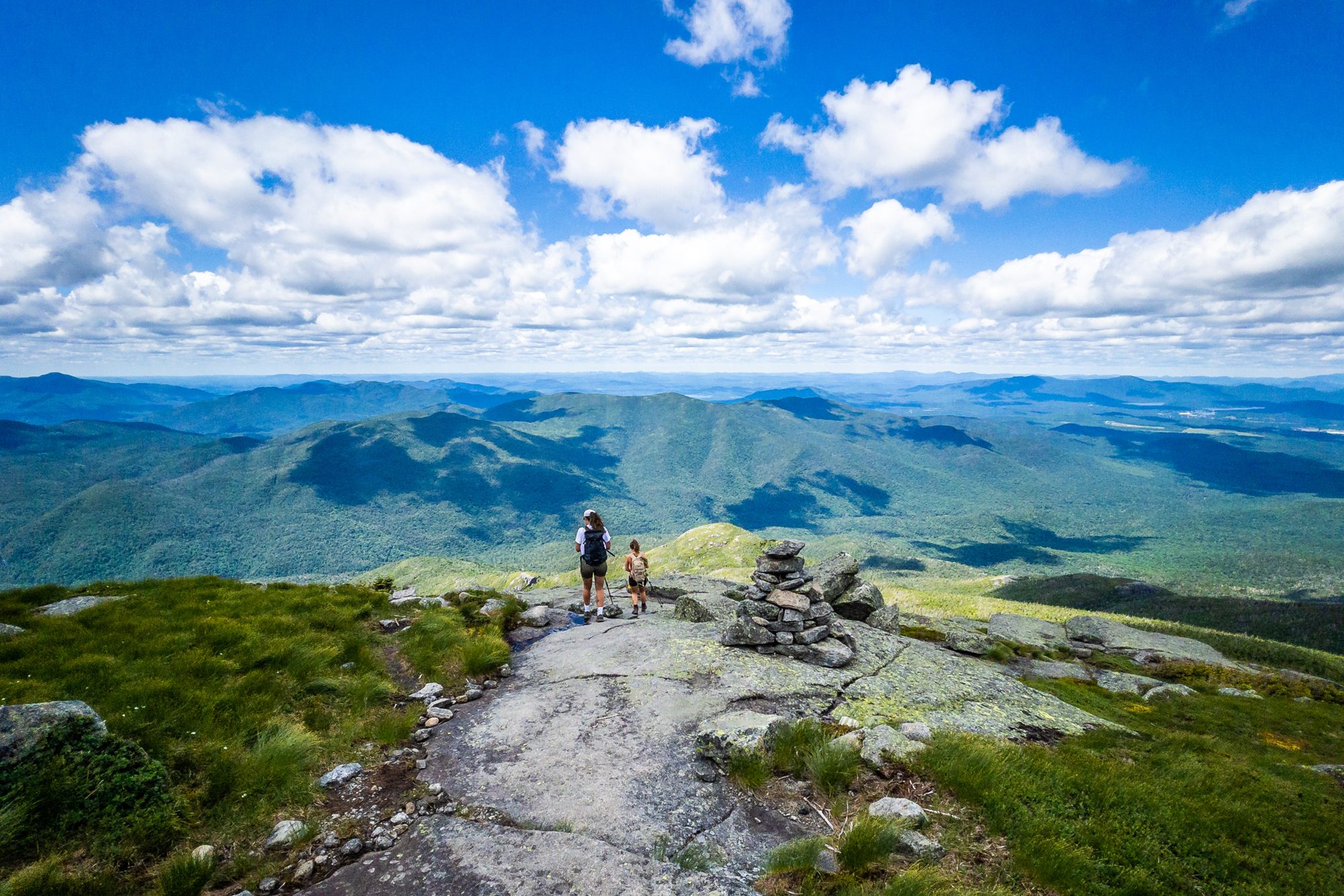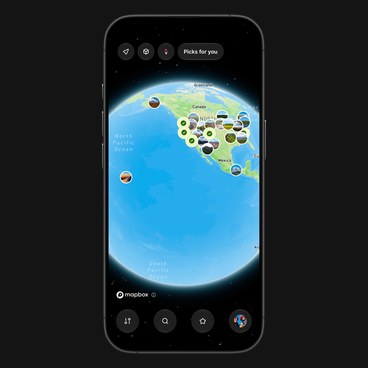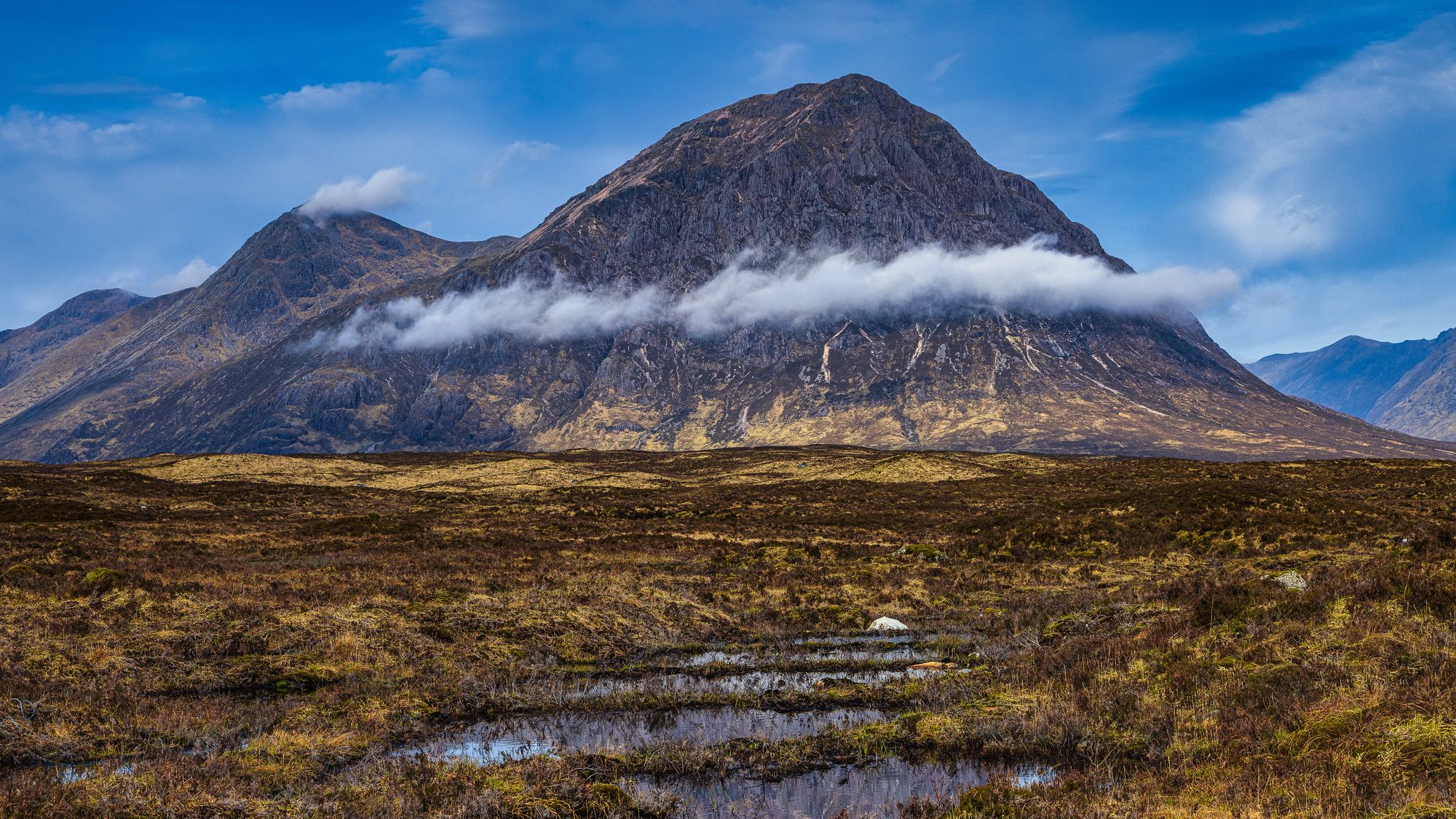
Draw and record routes in Yak
Sketch your own route on any mountain, or hit record to track your climb as you go
Barrett

Yak 1.3.8, out November 2, 2026, added two ways to put your own line on a mountain: draw it before you go, or record it while you climb.
Draw a route
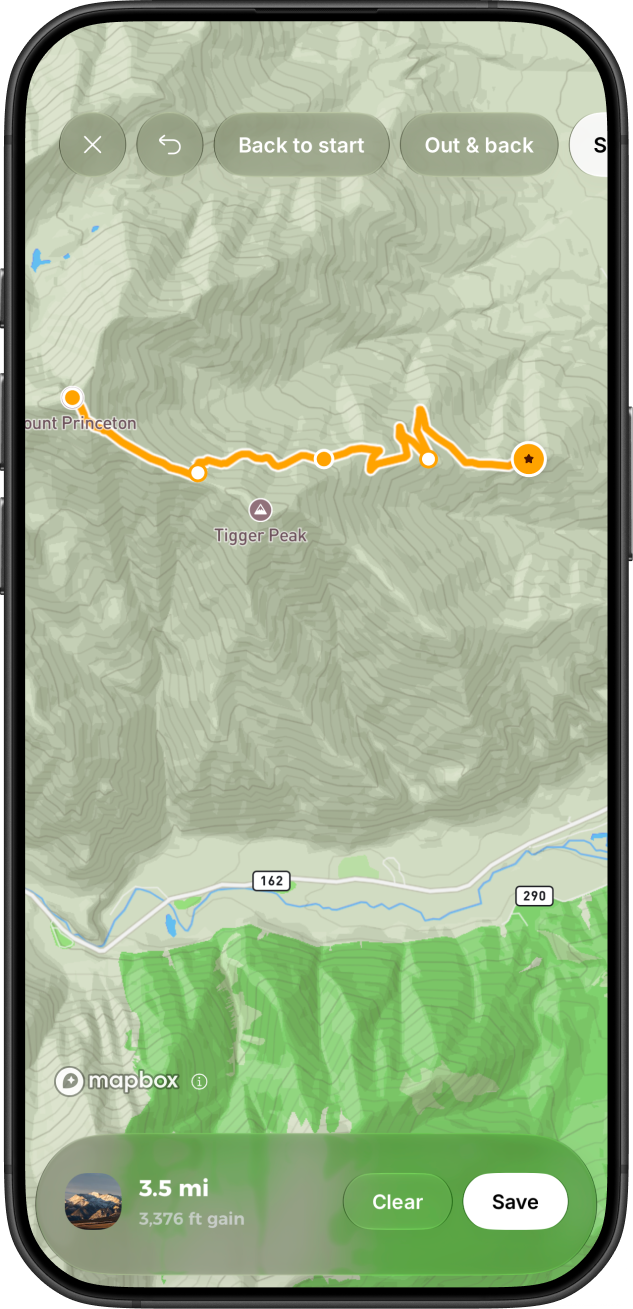
Open any mountain and sketch a route on the topo map. Yak shows the distance and an elevation profile as you draw. Close it into a loop with Back to start, or turn it into an out-and-back with one tap.
You can keep up to 100 saved routes, import a GPX file from somewhere else, or export a route you drew as GPX for another app.
Record a climb
On the day, hit record at the trailhead and Yak tracks your climb with GPS as you go. When you finish, the route is saved with the climb.